How-to use IDS monitoring cameras as industrial dashcams
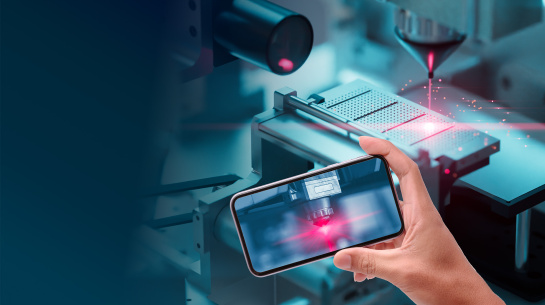
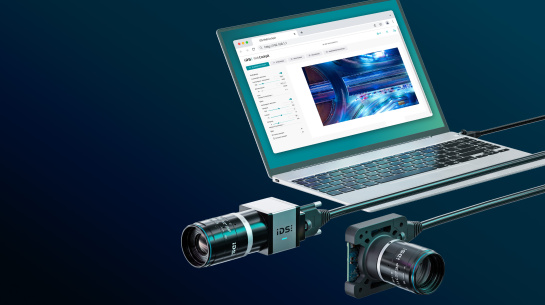
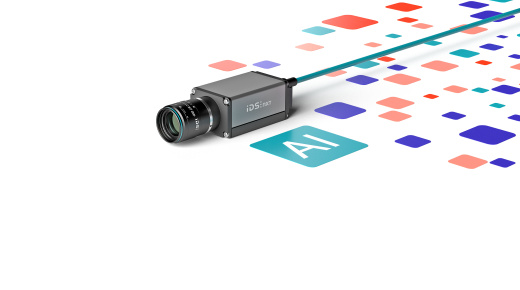
Learn how IDS uEye Live cameras provide a simple, effective solution for visualising and monitoring production processes without programming effort or extra hardware. This video explains how these compact, network-enabled cameras can stream and record events directly on the device, making them ideal for unattended machine monitoring.
You’ll discover how to configure the camera, optimise image settings, set up streaming channels, and enable event recording to capture critical moments before and after a process failure. With built-in web interface, multiple streaming options, and local storage, uEye Live cameras offer flexibility and reliability for industrial environments.
Topics covered
- Key benefits of IDS uEye Live cameras for industrial monitoring
- How to configure and connect the camera to your network
- Setting up streaming channels and optimising image quality
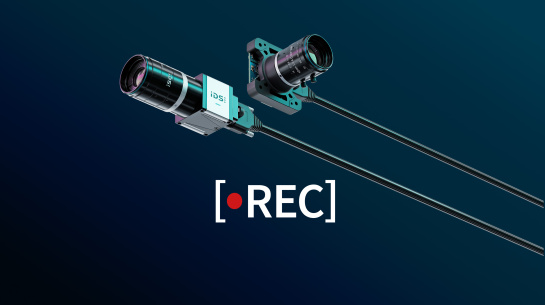
- Using event recording for process analysis and troubleshooting
- REST interface and automation options for advanced control
Video timeline
- 00:00 - uEye Live, a process monitoring camera solution
- 00:30 - Benefits of uEye Live cameras
- 01:38 - The "Dashcam" use case
- 03:56 - Use feature "Event Recording"
- 04:47 - Simple camera setup
- 06:05 - Configure "Streaming" and "Recording"
- 07:20 - Trigger and record events
- 07:47 - List recordings using REST (Representational State Transfer) API
- 08:47 - Conclusion
Who should watch
This video is ideal for production engineers, quality managers, and system integrators looking for easy-to-implement camera solutions for monitoring, documentation, and troubleshooting in industrial environments.
Watch now to see how uEye Live cameras simplify industrial monitoring.